Multilingual
Your menu in the language of each of your customers.
Add your customers' languages, translate your dishes once, and let each customer choose their language on the menu. Arabic is displayed right to left, the way it is read.
- Français · English · العربية
- Right-to-left Arabic
- Choice remembered for the customer
طواجن
طاجين اللحم بالبرقوق
لحم غنم طري مع البرقوق واللوز المحمص والسمسم.
145 DH
Same dish, same price, three languages — Arabic is displayed right to left.
Restaurant side
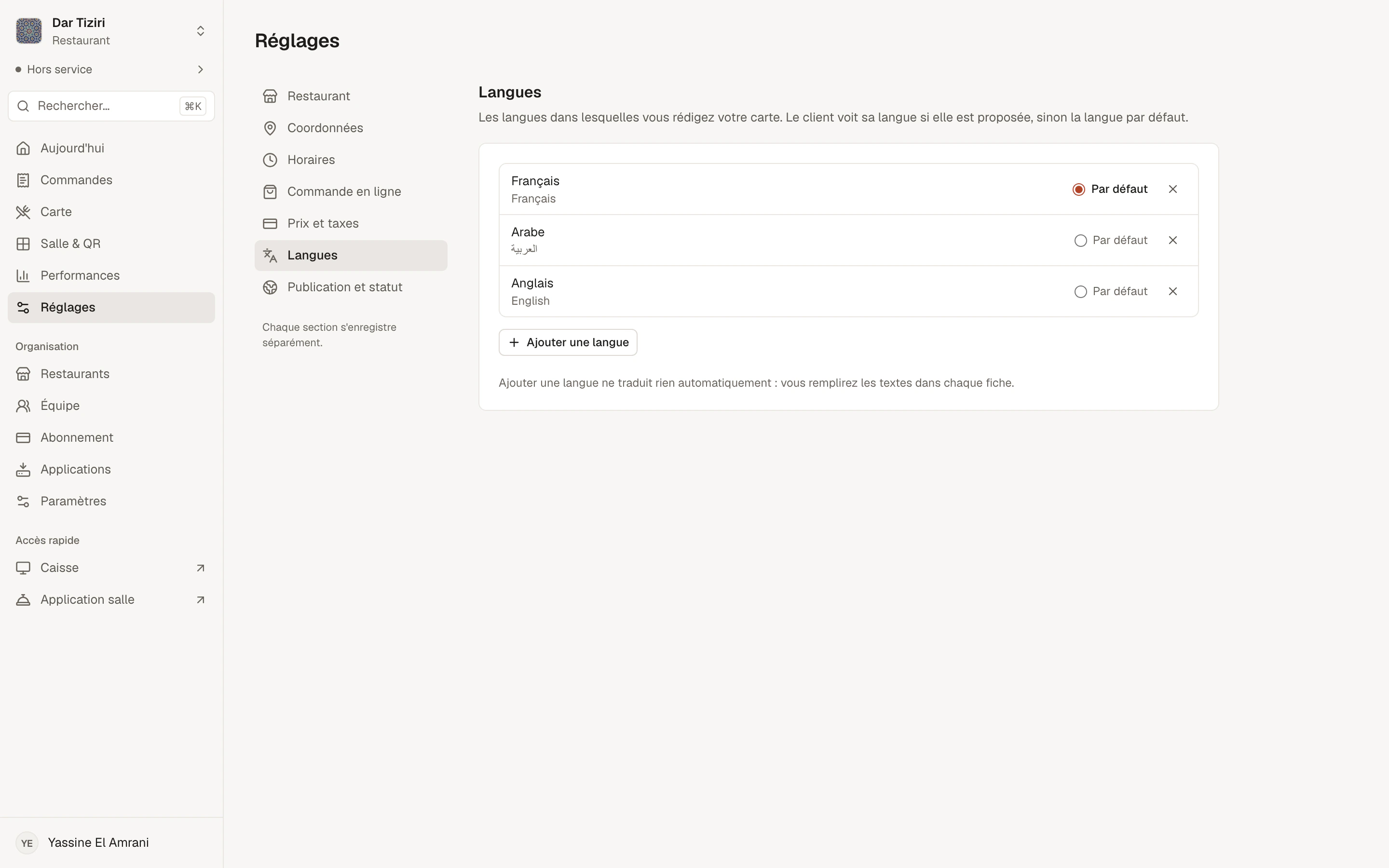
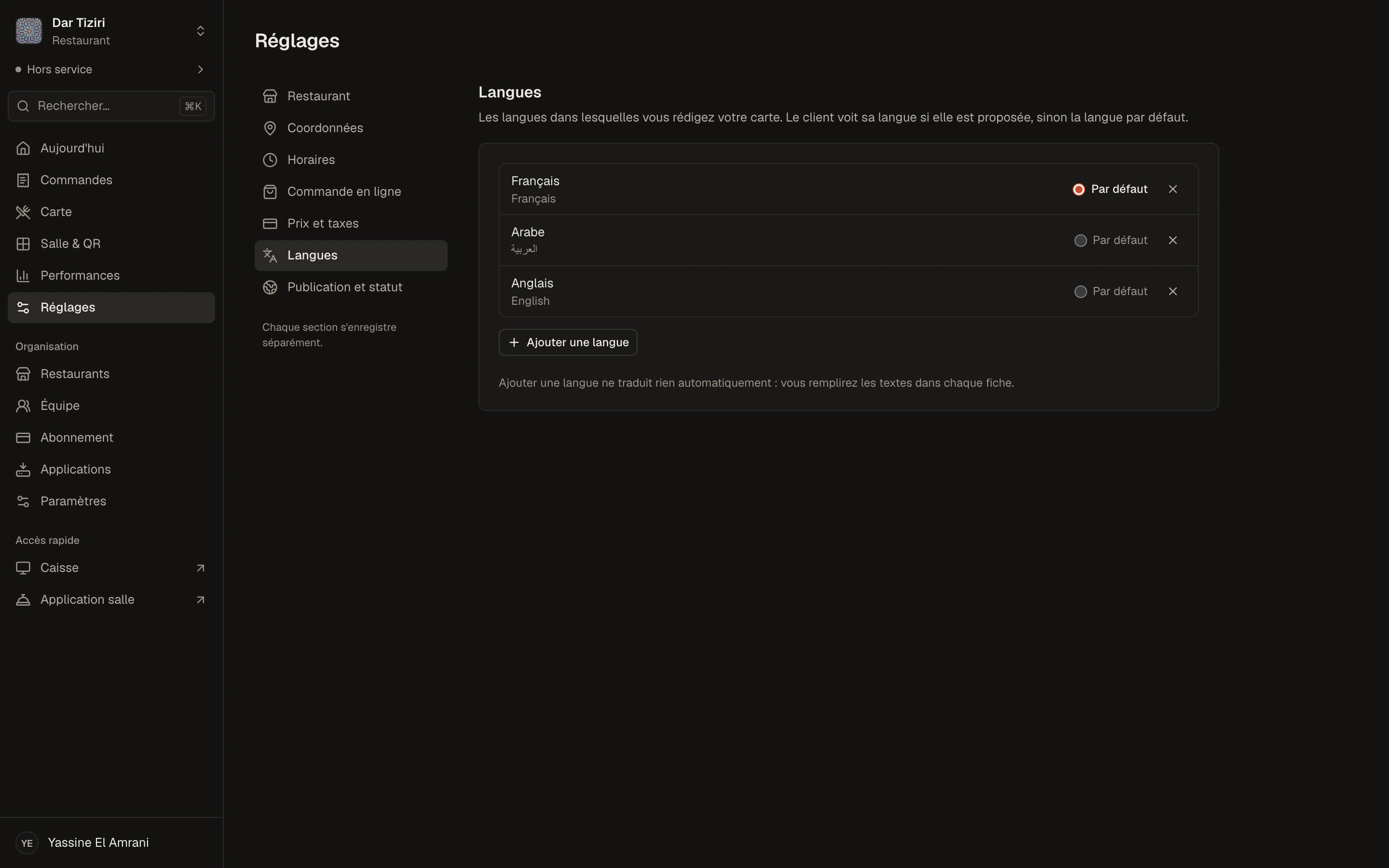
Choose your languages, and your default language.
In the restaurant settings, add the languages you write your menu in and choose the default language. Beyond French, English and Arabic, you can add your customers' other languages.
- Default menu language
- Languages added or removed at any time
- Translations entered by you, dish by dish
Customer side
A menu that reads in the right direction.
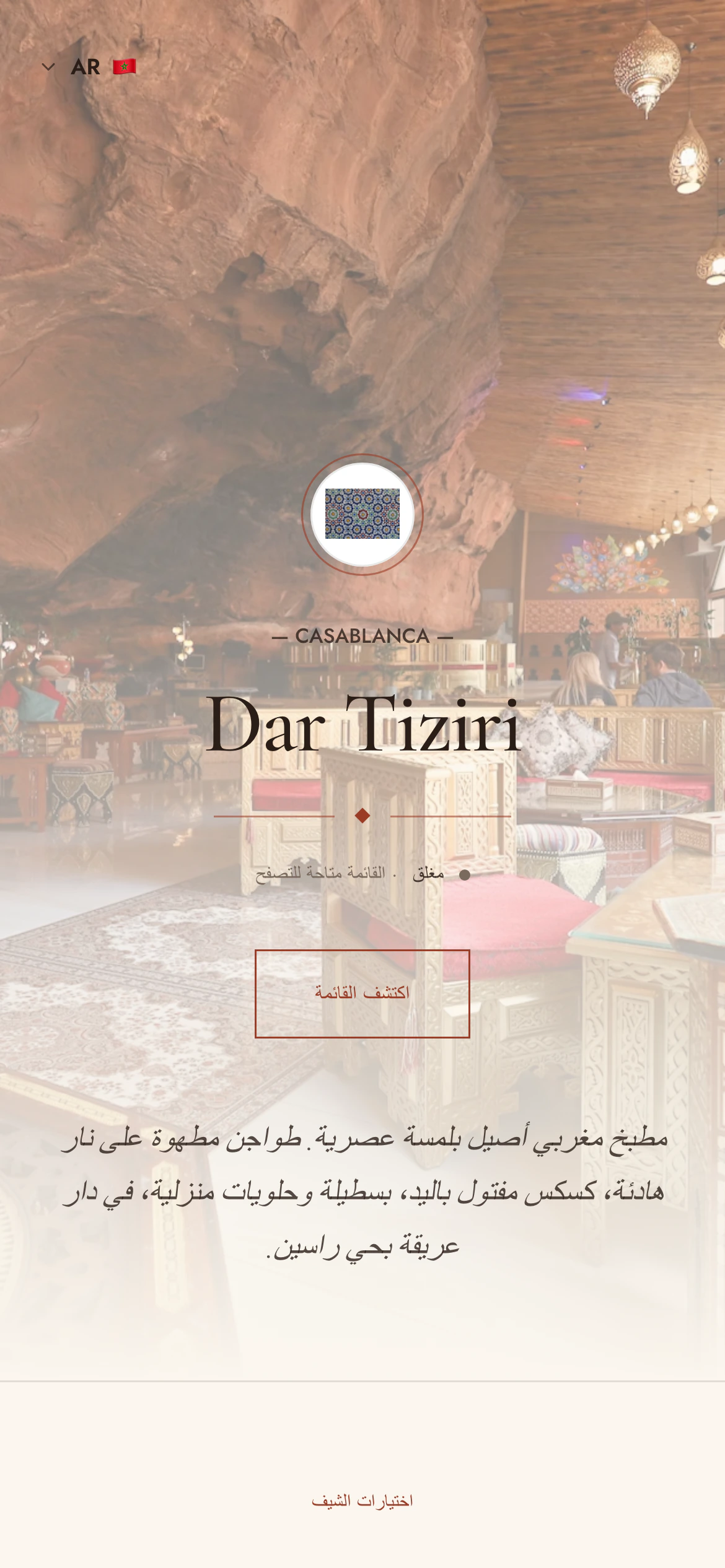
The menu opens in your restaurant's default language. The customer picks another language in one tap, and Menly remembers their choice for their next visit. In Arabic, the whole page switches to right to left.
- Language switcher on the menu
- Choice remembered on the phone
- Right-to-left layout for Arabic
What gets translated
Your whole menu, not just the names.
The menu
- Menu name and description
- Categories
- Dishes and descriptions
- Set menus
The choices
- Option groups
- Options and add-ons
The restaurant
- Tagline
- Description
Interface
Menly also speaks your team's language.
Management dashboard
In French, English or Arabic, as each person prefers.
Menly Register
The till in the cashier's language, with Arabic receipts supported.
Menly Floor
The servers' app in French, English or Arabic.
Language questions
Does Menly translate my menu automatically?
No. You enter your translations yourself: you stay in control of every word on your menu.
What does the customer see if a dish is not translated?
The text in the restaurant's default language.
Does the menu adapt to the phone's language?
The menu opens in the restaurant's default language; the customer chooses their language with the switcher, and that choice is remembered.
How many languages can I offer?
As many as your customers need: you choose your menu languages in the restaurant settings.