Menly for several restaurants
All your locations, one organization.
One account for the group, one space per restaurant. Each location keeps its menu, floor, languages and figures; you switch from one to another in one click, and each member only sees their restaurants.
- Several restaurants
- Access per restaurant
- One plan per restaurant
- Downtown restaurant3 menus · 18 tables · 9 members
- Beach restaurant2 menus · 12 tables · 6 members
- New restaurantGuided setup
The organization
One group, several restaurants, one team.
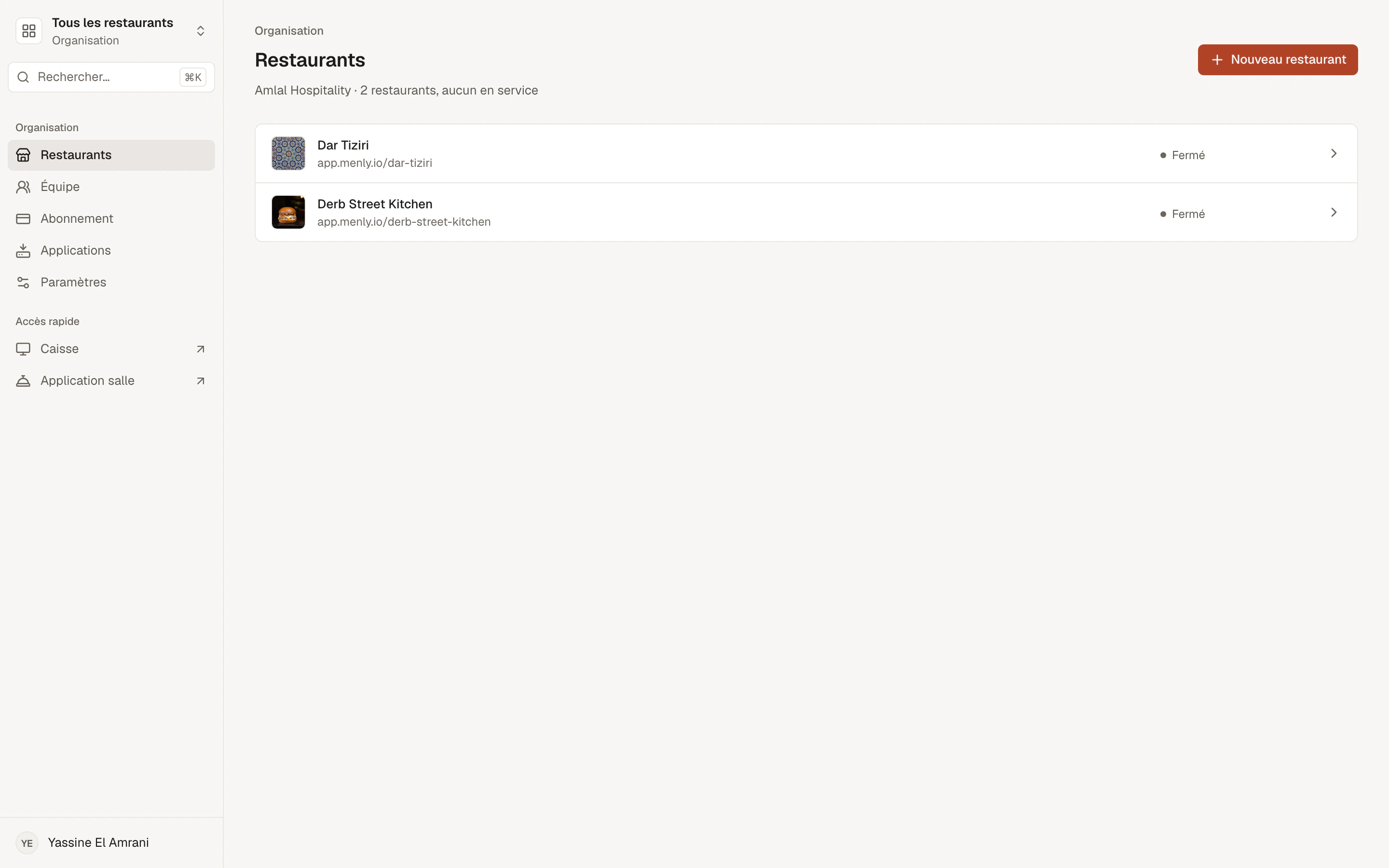
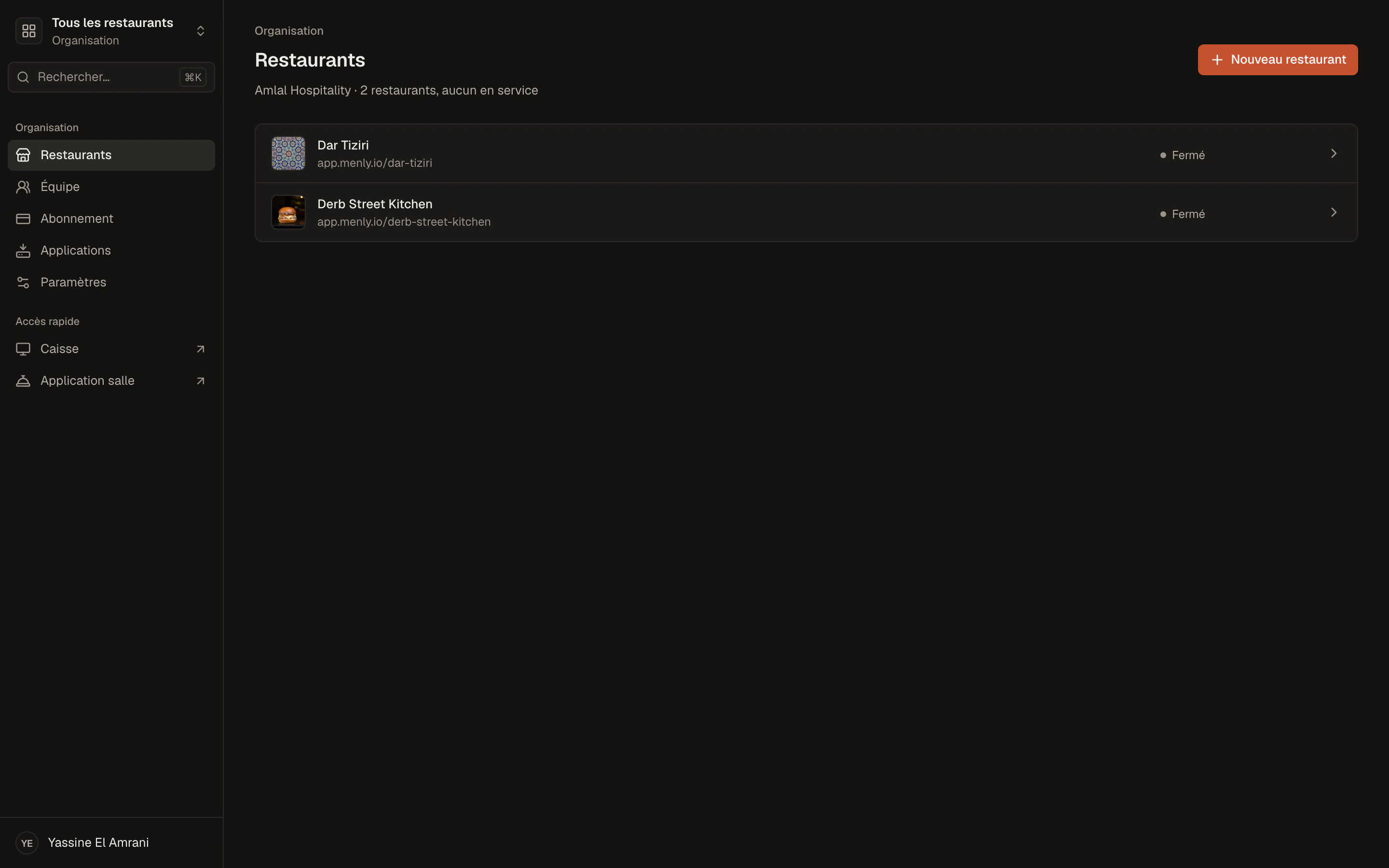
Your organization brings together your restaurants, your team and your subscription. Add a restaurant when you open a new location: it starts with its own guided setup.
- List of your restaurants and their service status
- Restaurant switcher always within reach
- Organization settings: identity, country, currency
Each restaurant
One location, its own settings.
Its menus
Each restaurant has its own menus, theme and colors.
Its floor
Its spaces, tables and QR codes.
Its languages
Its menu languages and its default language.
Its figures
Its performance, services and tills.
The team
Everyone in their own restaurant.
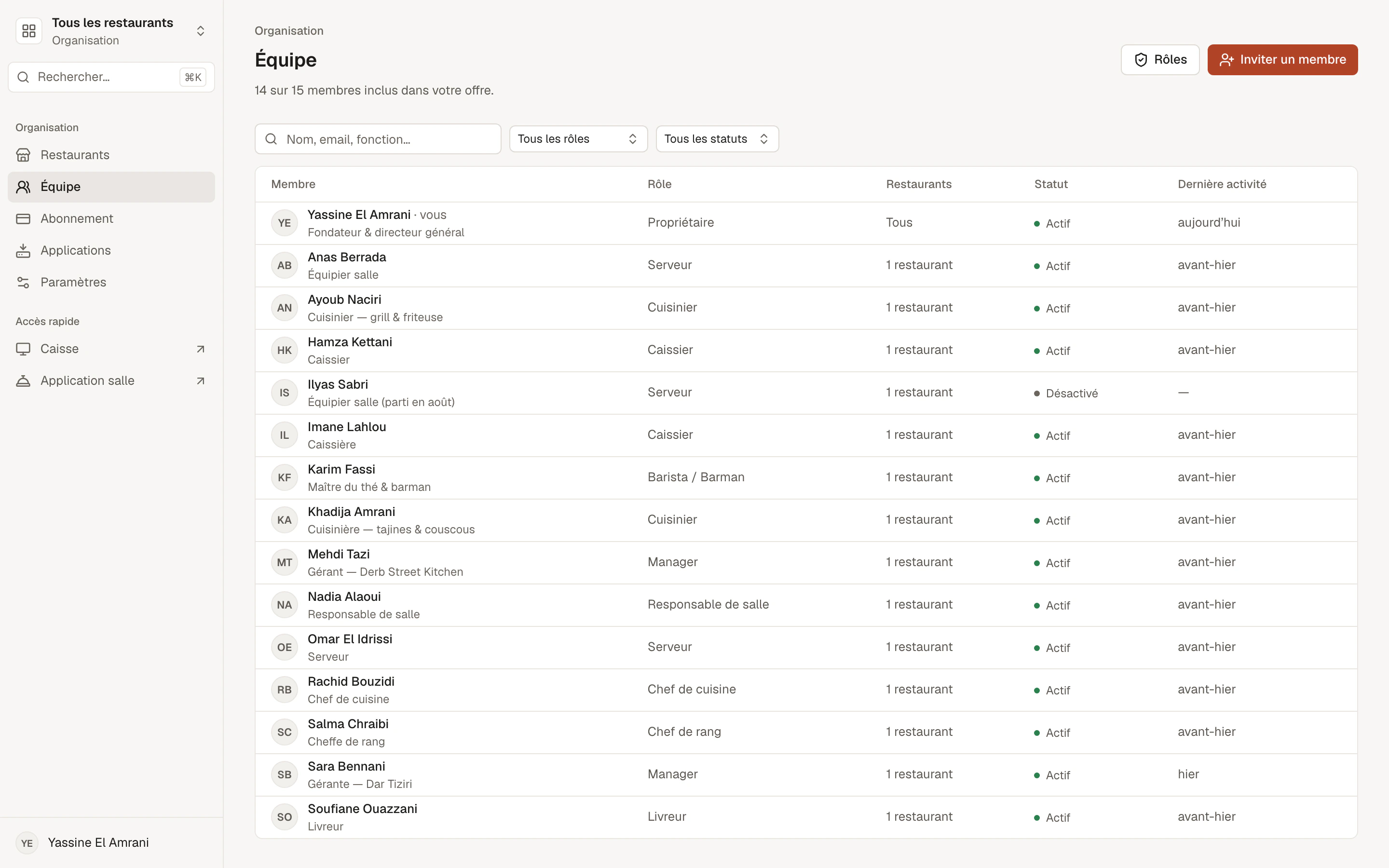
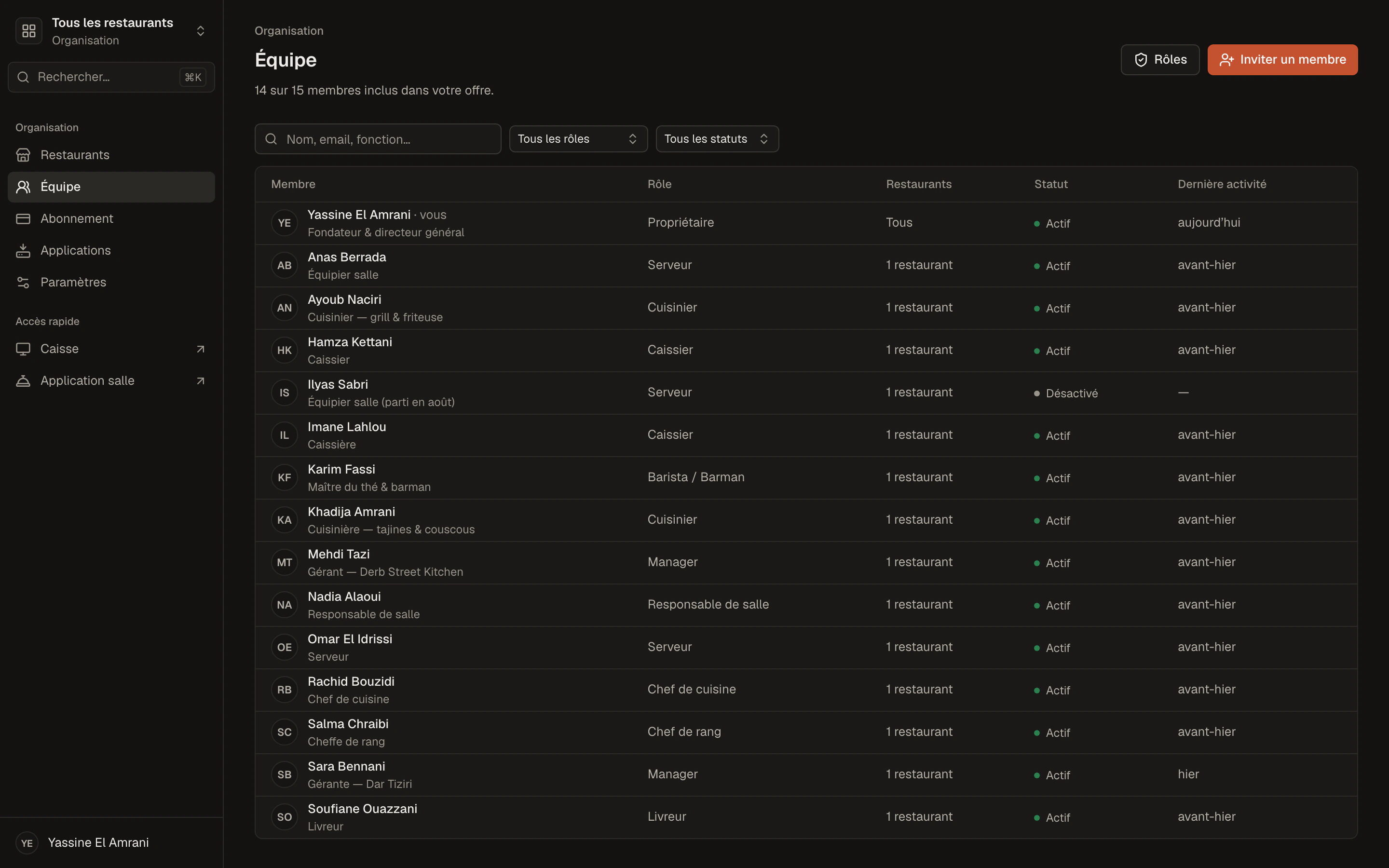
A manager sees their restaurant, a server their spaces, an operations director all restaurants. Positions, custom roles and access are set member by member.
- Access per restaurant and per space
- Custom roles shared across the group
- Centralized management and support with the Business plan
Group questions
How is Menly billed for several restaurants?
Each restaurant has its own subscription — Starter, Standard or Pro — and you manage them from one account. For a group, chain or franchise, the Business plan is on quote.
Are my figures combined?
Performance is viewed restaurant by restaurant; you switch from one to another with the switcher.
Can I share a menu between several restaurants?
Each restaurant has its own menus: you build them for each location.
How do I get started with several restaurants?
Add your restaurants from your account, choosing each one's plan, then message us on WhatsApp to activate them. For a group, let's talk about the Business plan.
The recommended plan
Business
For groups, chains and franchises that need centralized management.
Each restaurant with everything in Pro, unlimited members and dedicated support.
- Everything in Pro
- Centralized multi-restaurant management
- Consolidated analytics
- Group-wide team management
- Consolidated billing
- Personal onboarding and follow-up
- Specific needs and integrations